
Scenes. Schedules. Automation.
Change colors, save favorites and schedule your roofline from your phone. It installs on iPhone, Android, tablets and computers as a web app, so improvements arrive without waiting for an app-store update.
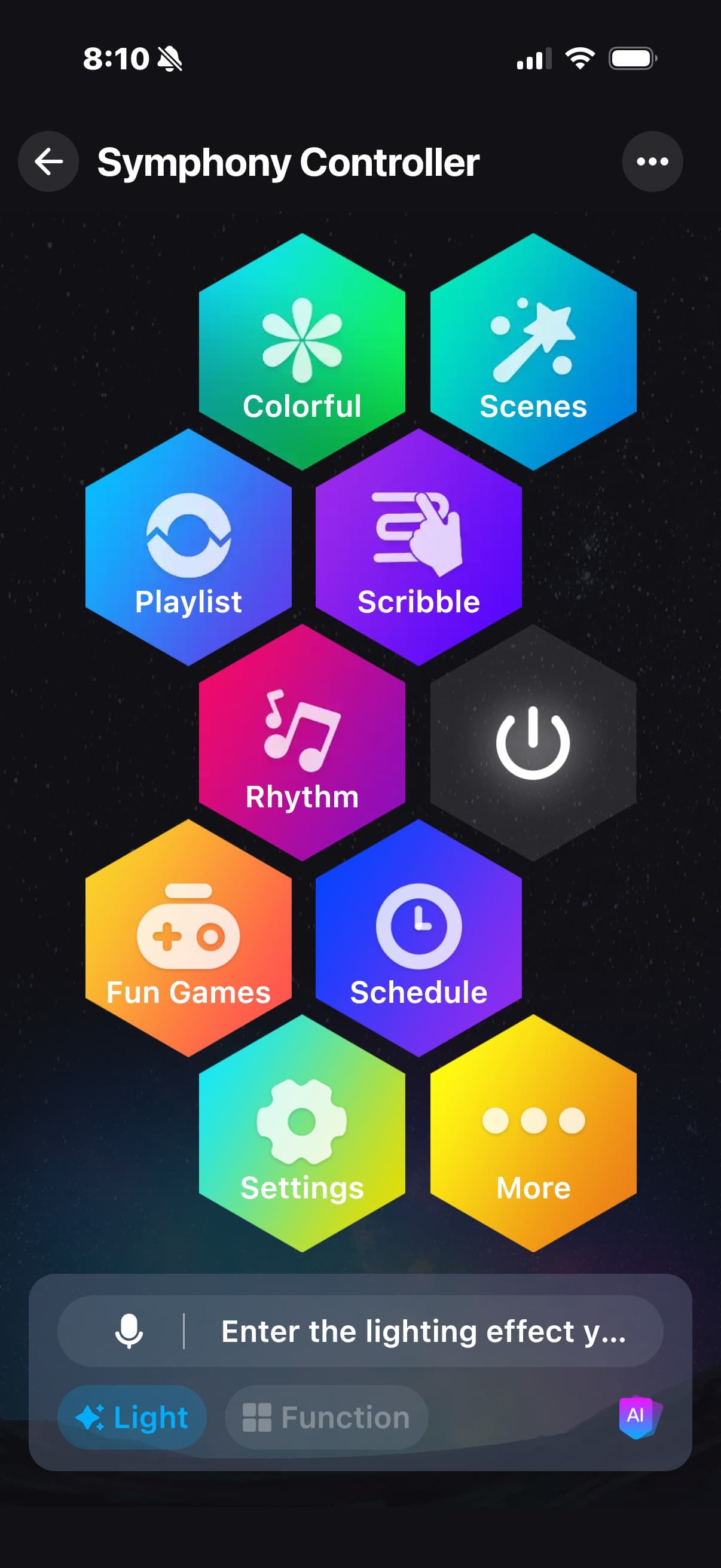

What it does, in plain language.
All of this ships with the system installed today. Nothing here is a future promise.
Colors, effects and custom presets
Over 100 lighting effects, built-in holiday designs, solid colors, animated patterns and your own presets. Adjust brightness, speed, intensity, palettes, warm white and individual pixel patterns.
Layered overlays
Add motion and atmosphere without replacing the design underneath. Lightning, candle flicker, sparkle and twinkle run on top of compatible colors and effects.
Sports mode
Pick your team and let game day run itself: official team colors, animated battle scenes, and celebrations triggered by live scores and wins.
Weather-reactive lighting
Real conditions become scenes. Lightning during storms, cool blue for rain, sparkling white for snow, flowing effects for wind, warm ambient light when it is clear.
Zones and multiple controllers
Split an installation into areas that run on their own, or combine runs into one coordinated display: rooflines, peaks, garages, landscaping, whatever you name.
Scheduling and automation
Set days and times, or let it follow the sun: schedules can run sunset to sunrise and work the sunset out from your address, so they shift through the year on their own. Daily, weekly, holiday and yearly routines, with an automatic shut-off.
Cameras that turn the lights on
Pair a Reolink camera straight to RooflineIQ, no extra hub. When it sees a person, a vehicle, an animal, a package or someone loitering, the lights answer: full white security light, a deterrent strobe, or off. They go back to the look they were on afterwards. Set how long it holds, how long before it can fire again, and whether it only runs after dark.
It keeps running with the app closed
Schedules, weather, sports and camera triggers run in the cloud, not on your phone. Close the app, leave the house, go away for a week: the lights carry on.
Music mode
Compatible lighting responds to music and sound, with adjustable audio-reactive effects for parties, events and seasonal displays.
Evening and bedtime
A warm, low evening setting that is easy on the eyes, and an optional shut-off at bedtime so nobody has to remember.
Household sharing
Share a home or business with family, employees or trusted users. They control the shared lights without any access to the owner’s account.
Cloud or local hub
Control the lights remotely through the RooflineIQ cloud, or through a local hub for expanded local automation and coordinating compatible devices.
Improvements arrive on their own
RooflineIQ installs on iPhone, Android, tablets and computers as a web app, so improvements appear without waiting for an app-store update.
Over-the-air controller updates
The controller keeps improving after it is installed: new effects, performance, reliability fixes and future capabilities arrive as firmware updates.
Installer-level configuration
RGB and RGBW, LED count, color order, multiple data ports, configurable output pins, direction control, calibration tools and seamless multi-port effects.
Potential release: Q1 2027
These are in testing and are not part of what is installed today. The date is a plan, not a promise.
Google Home
In private testing, so the lights can be controlled alongside the rest of a Google Home.
More hub integrations
Hub-based integrations for compatible smart lights, cameras and automation platforms.
More camera brands
Reolink pairs today. Amcrest, Tapo, Hikvision, Dahua, Annke and others are in testing through the local hub, along with live view and snapshots on the same dashboard.
The usual ones.
Is it hard to use?
No. Open it, tap a look, done. Everything else is there when you want it and out of the way when you do not, and we set your first scenes up with you on install day.
Do I have to download anything?
No. It opens in the browser you already use, on a phone, a tablet or a computer. You can add it to your home screen so it sits there like any other app, and improvements arrive on their own with no update to install.
What happens if my internet goes down?
The lights keep running whatever they were last set to, and as long as your home Wi-Fi is still up you can still change the power, brightness, color and effect from the controller directly. What stops until the internet returns is anything that needs the cloud: control from away, schedules, weather, sports and camera triggers. It reconnects on its own.
If I get a new phone, do I lose my setup?
No. Everything lives on your account, not on the phone. Sign in on the new one and your zones, scenes and schedules are there.
Can my family control the lights?
Yes. Share the home with family, housemates or staff and they control the lights without any access to your account.
Will the wires show?
We work hard so they do not. The track is color-matched to your soffit and the cable is tucked as we go. The aim is that in daylight you do not see a lighting system at all.
The app is the easy part.
Start with the roofline. We set up your first scenes on install day.